
Settings and privacy
Use the Manas Home tab to set your default agent, manage connections and disconnect.
The Manas Home tab
Click Manas in the Slack sidebar and open its Home tab. It shows:
- Your connections: Manas (your email, with Disconnect), Google (which of Drive, Gmail, Calendar and Tasks you gave, with Reconnect Google and Disconnect Google) and Slack as you (with Reconnect Slack and Disconnect Slack), or a Connect button for each one that isn't connected. See Connect Google and Slack.
- Your default agent: used for new conversations in your DM with Manas.
- Approvals (once your team turns it on): Ask me only when needed or Always ask. See Approvals.
- Your agents in Slack, each with Start, and whether it works in DMs and channels or your DMs only.
- Drive links in channels: your saved choice for each channel, each with Reset, and the channels where you chose Don't ask me, even for files not everyone can open, each with Ask me again.
- Scheduled chats, each with a ⋯ menu, with the built-in Morning brief and Dreaming at the top. See Scheduled chats in Slack.
- Artifacts: your newest ones, with See all.
- Channel settings: pick a channel or group DM to change its settings. The ones Manas is in come first, under Manas is here.
- Open Manas ↗: opens the web app.
- Help: the same list as
/manas help, including connecting Google and Slack, the Morning brief and Dreaming.
Your settings in your DM
Type /manas settings in your DM with Manas. Manas posts your own settings there as a message, with the same buttons as the Home tab:
- your connections: Manas, Google and Slack as you;
- Your default agent;
- Approvals, when your team has turned it on (Approvals);
- the built-in Morning brief and Dreaming: turn them on, or use ⋯ to turn them off or change the time;
- Drive links in channels: your saved choices (the first few; the Home tab has all of them).
When you change something there, the message updates to show it, and so does the Home tab. In a channel, /manas settings opens that channel's settings instead. See Set up a channel.
Set your default agent
On the Home tab (or in /manas settings in your DM with Manas), pick an agent next to Your default agent. Manas says Default agent saved. New DM conversations start with that agent.
Memory
- In a DM, and anything Manas does as you, the agent answering uses your own Manas memory, the same as on the web. Ask Manas to remember or forget something and confirm the card. See Memory.
- In a channel, there is no memory: answers never use anyone's memory, and a channel has none of its own.
- See and edit everything in Memories in Manas web.
What Manas can read
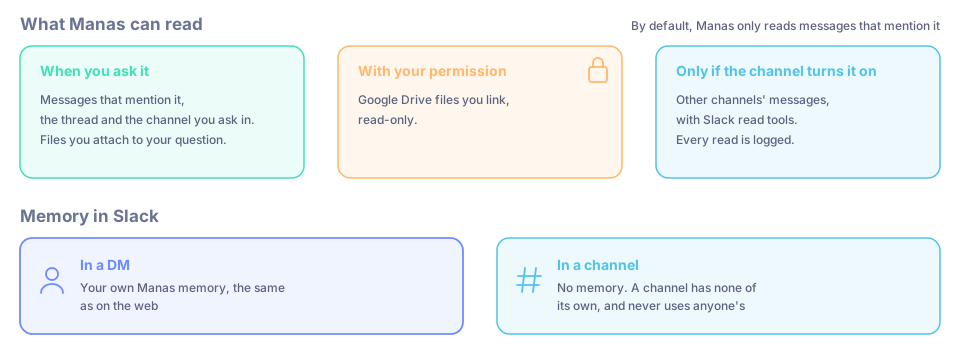
- Messages that mention it, new channel messages that start with
+and an agent's name, and the thread you ask in. - Files you attach to your question, and files posted earlier in the thread (last 30 days), opened only when your question needs them.
- Google Drive files you link, read-only, with your permission.
- Earlier messages of the channel or DM you asked in, for example when you ask it to catch you up (up to 30 days back).
- Other channels only if that channel has turned on Slack read tools. Every read is logged.
By default, Manas only reads messages that mention it.
Disconnect
On the Home tab, press Disconnect (or type /manas disconnect). Confirm Disconnect Manas?
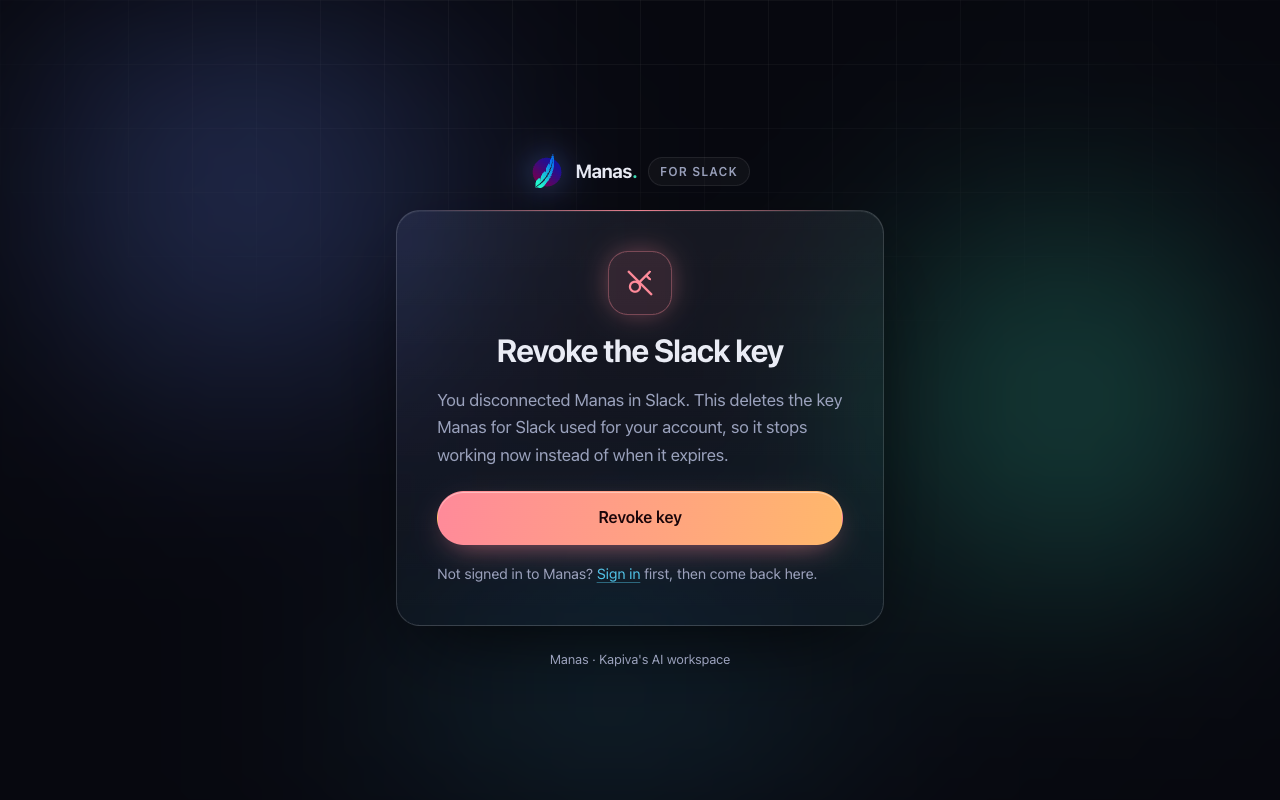
Manas says "Disconnected. Manas no longer answers as you." with a revoke the key now link. The link works for 10 minutes.
Optional: click the link and press Revoke key. This stops access right away instead of when it expires on its own.
The page says Key revoked. You can close the tab.
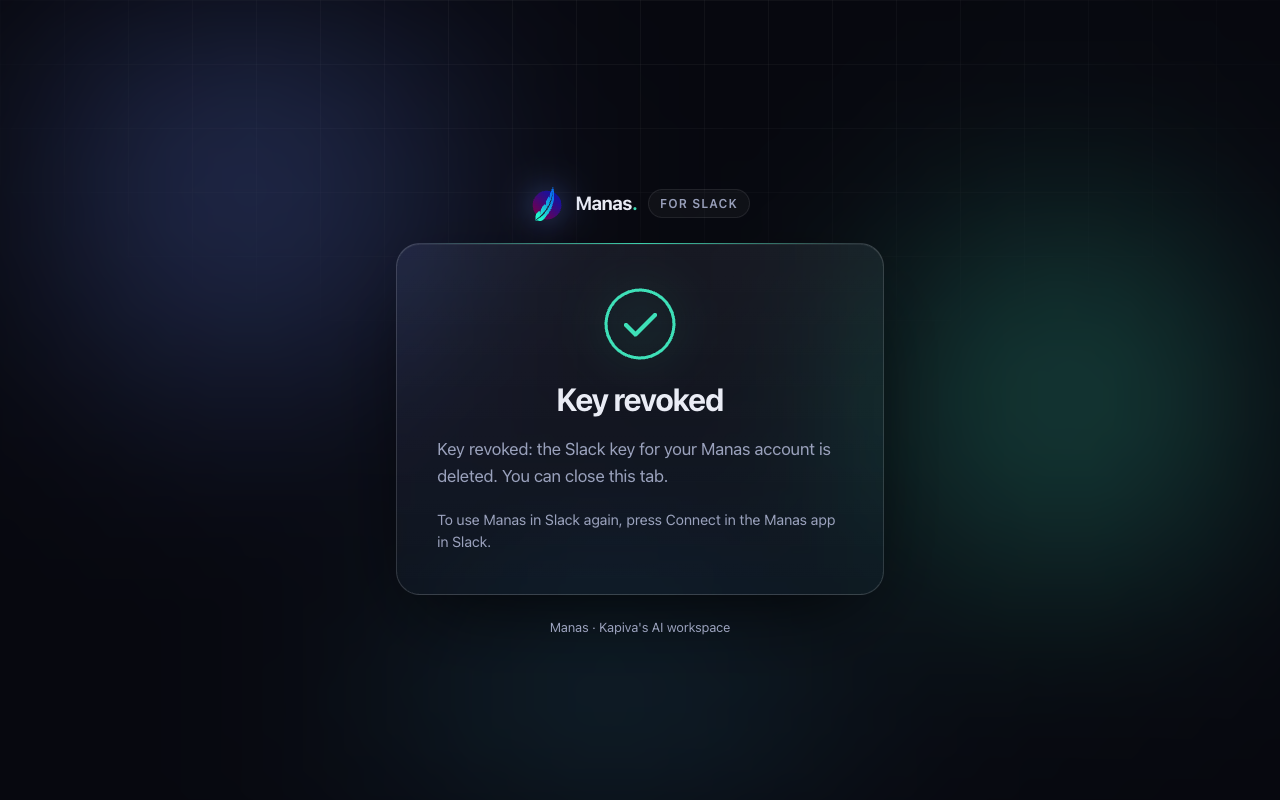
To use Manas in DMs again, connect again. See Connect your account.
Disconnect Google and Disconnect Slack (on the Home tab, in /manas connect or in /manas settings in your DM) also remove Manas's access at Google or Slack.
Good to know
- Disconnecting doesn't stop Manas answering in channels. Channel answers run as the channel.
- More on data: Data and privacy and Who sees what.
If something goes wrong
The page says "Could not revoke". The key still expires on its own. You can also delete it in Manas.
Rules and limits
How often you can ask, how long answers can take, file limits, channel rules and every message Manas might show you in Slack.
Tattva, your data analyst
Ask Tattva business questions from Manas on the web or in Slack, and get checked answers with tables, charts and a link back to Tattva.