
The Agent Marketplace
Find a ready-made agent, read what it does and start a chat with it.
Manas is Kapiva's Agent Marketplace: ready-made assistants built in-house for specific jobs. This page shows how to find one and start using it.
The home page
The home page at manas.kapiva.tech shows the marketplace: the agents you can use today, such as Kala (script and video) and Tattva (questions about your business data, answered with charts), and what is coming.
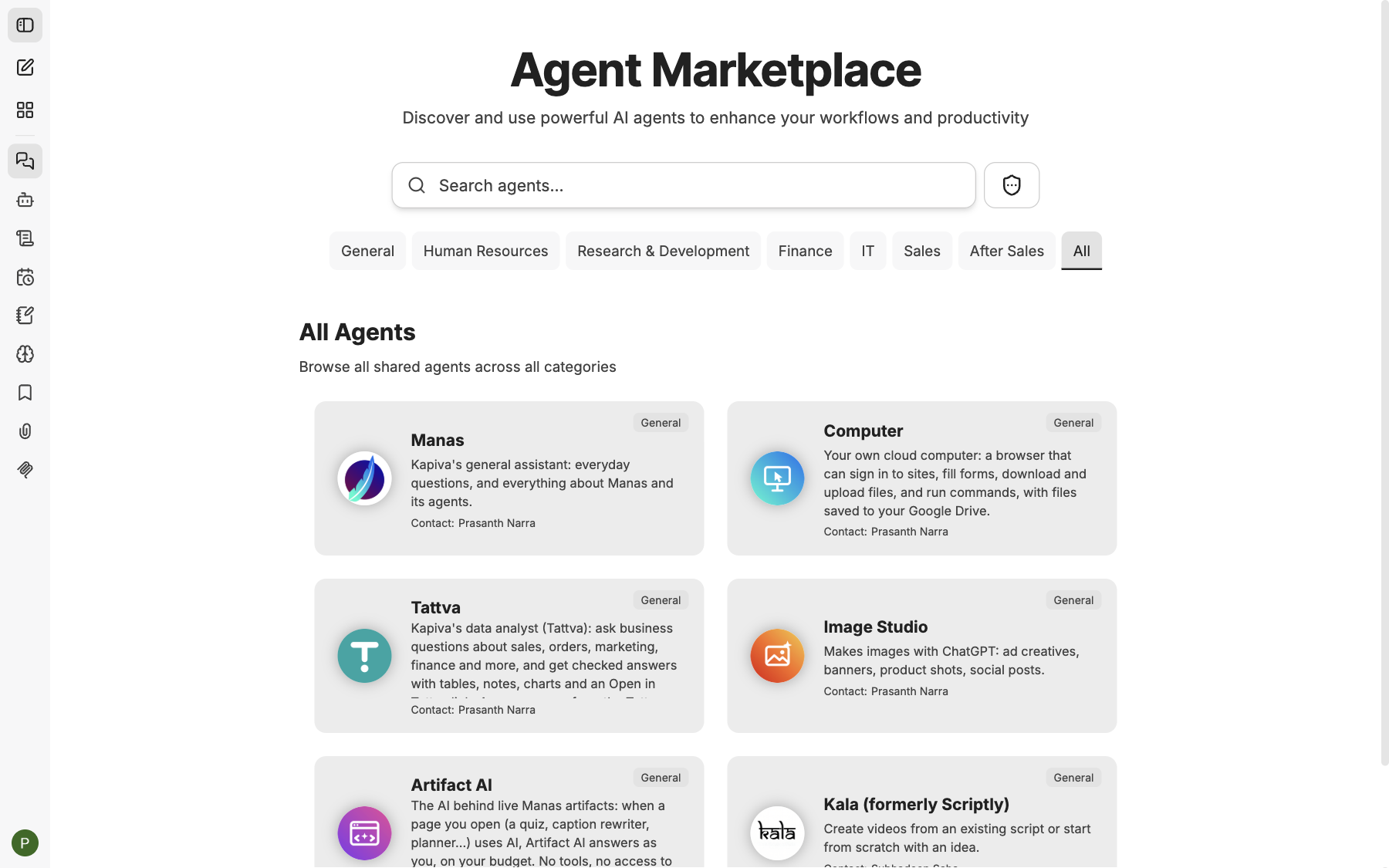
The home page at manas.kapiva.tech, with the agents you can use today.
If you are already signed in, manas.kapiva.tech takes you straight to your chats. To see the home page anyway, go to manas.kapiva.tech/?home.
Find and start an agent
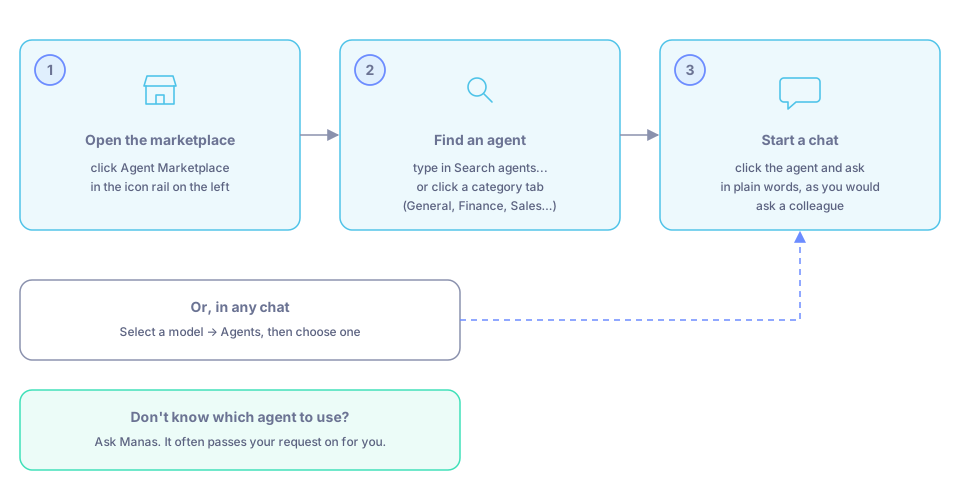
Open the marketplace, find an agent, start a chat. Or pick one in any chat, or just ask Manas.
Open the marketplace
Go to manas.kapiva.tech and sign in. Click Agent Marketplace in the icon rail on the left. The Agent Marketplace page opens.
Find an agent
- Type in Search agents... to find an agent by name or what it does.
- Or click a category tab: General, Human Resources, Research & Development, Finance, IT, Sales, After Sales or All.
Under All Agents you see every agent shared with you, across all categories. Each card shows the agent's picture, its name, its category, a short description and Contact: with the name of its owner.
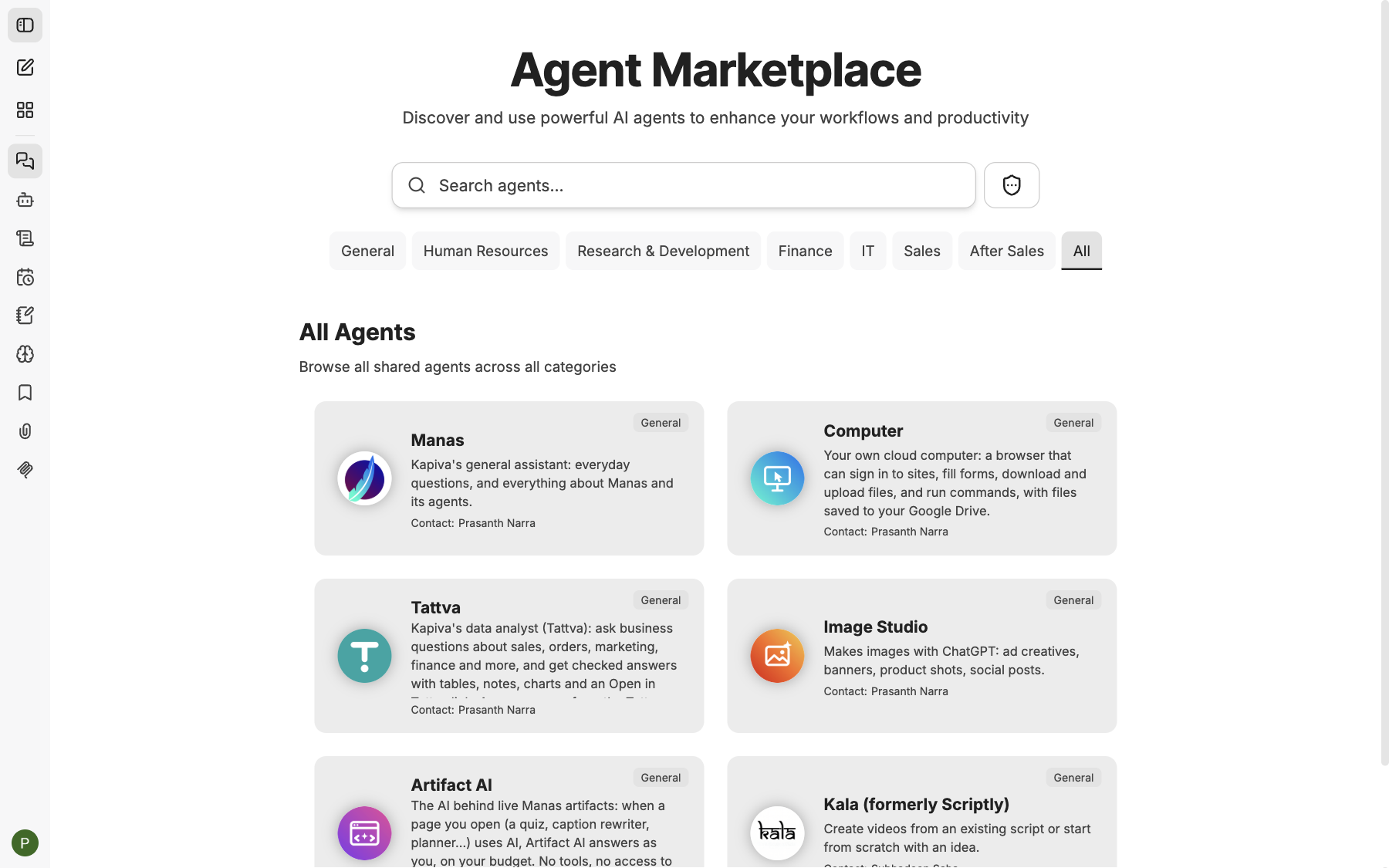
The Agent Marketplace: search, category tabs and a card for each agent.
Start a chat
Click an agent and start a chat with it. The agent's start screen shows its picture, its name, a short description of what it does and Contact:, the person to ask if something doesn't work.
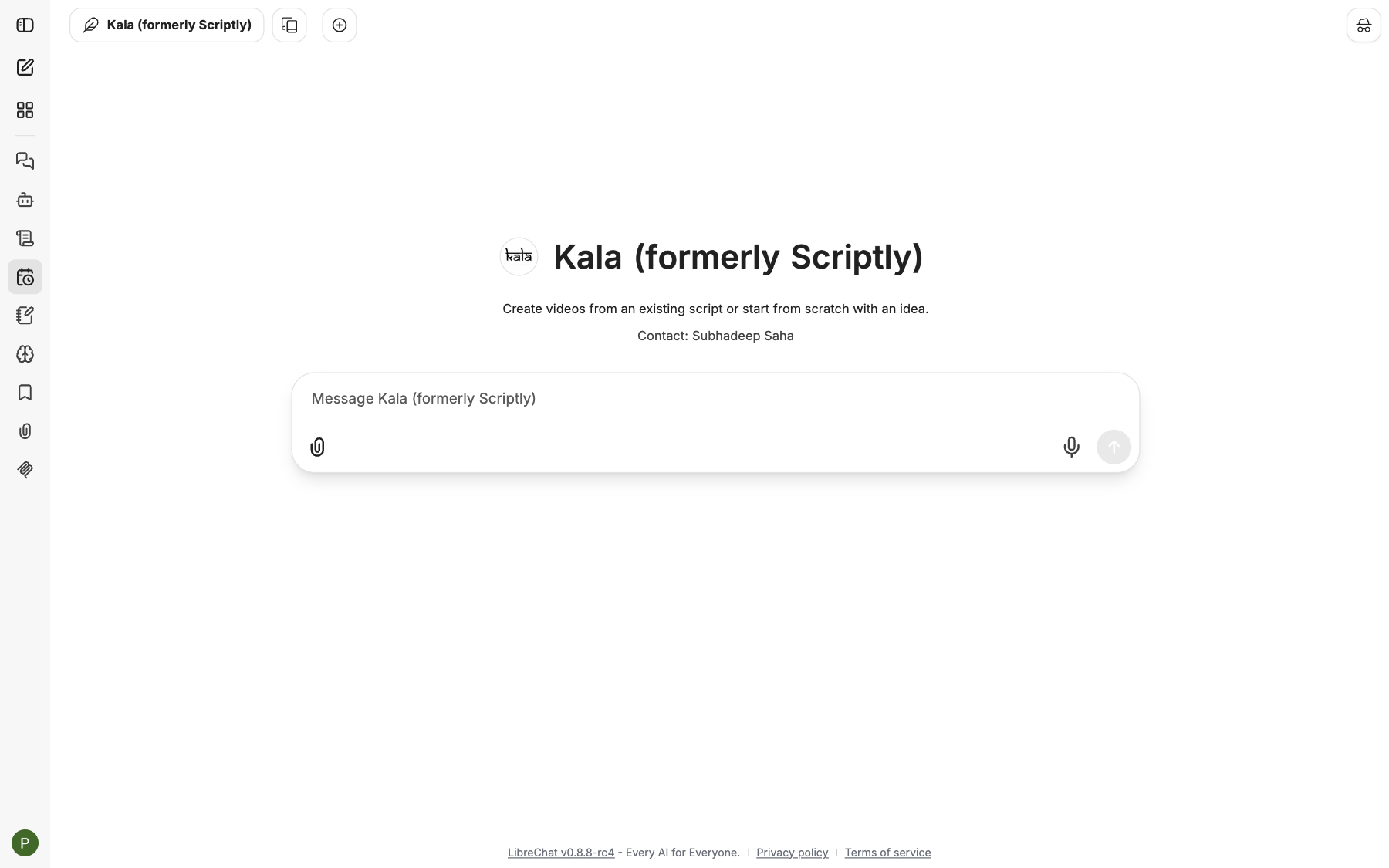
An agent's start screen: picture, name, what it does and Contact:.
Ask in plain words, as you would ask a colleague.
Pick an agent from the model menu
You can also choose an agent in any chat. Click Select a model at the top of the chat (or press ⌘ ⇧ M on a Mac), open Agents and choose one.
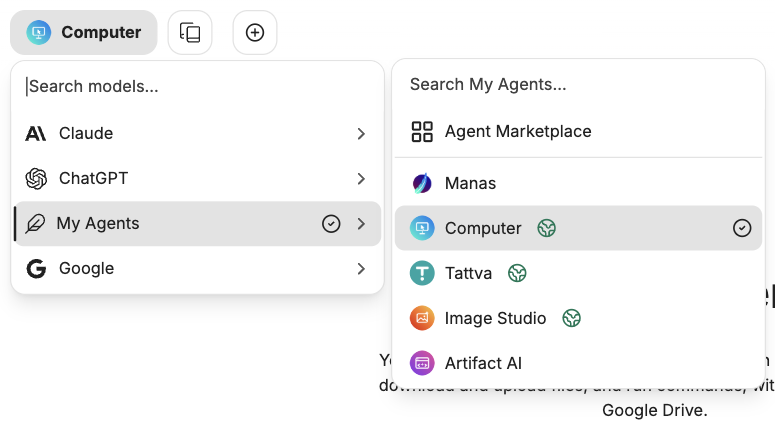
Select a model at the top of a chat, with Agents open.
Don't know which agent to use?
Ask Manas. It knows the agents in the marketplace and what each one is for. Often you don't need to pick at all: when you ask Manas for an image, a video or a business figure, it passes the request to the right agent for you. See How agents hand off.
Good to know
- You only see agents that have been shared with you. Agents still being tried out are shared with a pilot group first.
- Most of Kapiva's built-in agents are in the General category. See Built-in agents.
- Agents use the same daily allowance as normal chats.
- Want your own agent listed in the marketplace for all of Kapiva? Build it, then talk to the Manas team. See Share an agent.