
-
Computer builds web apps New
Ask Computer for a small web app, such as a tracker, a team calendar or a quiz with several screens. It builds it and gives you a link on manas.kapiva.tech that opens only for you until you Share it (in Slack, for whoever can see the conversation). Ask again to change it: same link, new version. Apps save their data in Manas, yours or shared with your team after you press Allow, and can't reach outside websites.
How to use it → -
Manas Builder: build your own agents by asking New
Tell Manas Builder the job (in Manas web, or
How to use it →+builderin your DM with @manas) and it drafts the agent or skill for you: the model, the fewest tools, the instructions, conversation starters. It reviews every draft, and nothing is saved until you press Confirm on the card that shows exactly what changes, or Apply suggestions to let it improve the draft first. -
Manas works in your Sheets, Docs and Tasks New
In your DM with @manas or in Manas web, ask Manas to read a tracker, add rows to a sheet, add notes to a doc, replace text, copy a file, or add and tick off your Google Tasks. Nothing changes until you press Confirm on the card that shows the exact change, and docs link their version history to undo. Three ready-made skills help too: meeting-prep, inbox-triage and close-the-loop.
How to use it → -
Dreaming: Manas reflects while you sleep New
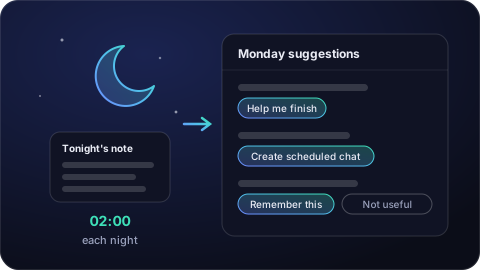
Like sleep sorts the day's memories, each night Manas reflects on your DM with it and writes a short private note: asks, commitments, patterns, open threads. On Monday it suggests what to finish, automate or remember, each with one button. Suggestions only; nobody else sees your notes. Press Turn on Dreaming in your DM with @manas or on its Home tab.
How to use it → -
Your morning brief in Slack New
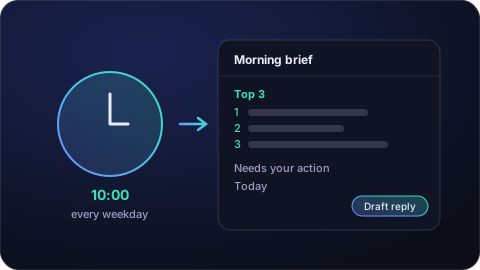
Press Turn on Morning brief in your DM with @manas or on its Home tab, and every weekday at 10:00 IST Manas sends you, in your DM only, what needs your reply in Slack and Gmail (Top 3 first) and today's meetings, with clashes and prep. It only reads, never sends. It's a Built-in at the top of your Scheduled chats: change the time with
How to use it →/manas schedule time. -
Save a how-to as a skill New
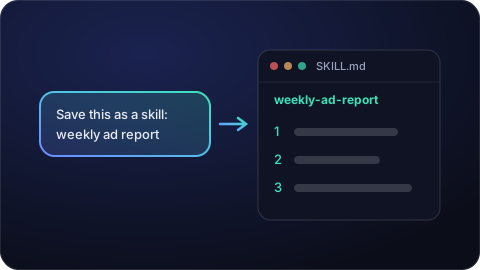
Ask Manas to save a task you repeat as a skill ("save this as a skill: …") and it follows the same steps every time you ask. Skills you save are private to you; share them from Skills in Manas web. Works in Manas web and in a Slack DM.
How to use it → -
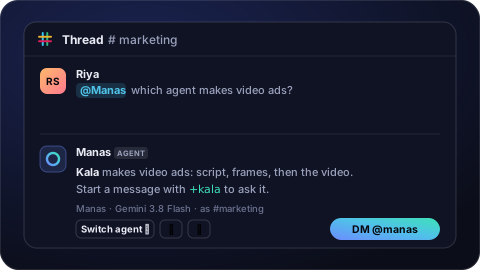
Manas is in Slack New
Ask Manas without leaving Slack. DM @manas and it answers as you, with your own agents and tools (the first time, press Connect). Mention @Manas in a channel and it replies in the thread. Start a message with +kala (or any agent's name) to pick an agent, or type /manas for an answer only you see. Paste Google Drive links (in a channel Manas asks you first), and set up scheduled chats with
How to use it →/manas scheduleor "@Manas every Monday 10:00 …". -
Your own cloud computer
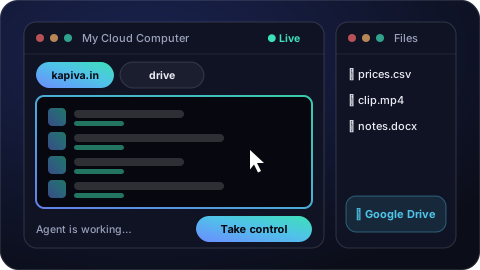
The Computer agent works on a private computer in the cloud for you: a web browser that stays signed in, a folder of files, and Google Drive to bring files in and save them back. You watch it work live in the chat and can click Take control at any time. Start a chat with Agents → Computer.
How to use it → -
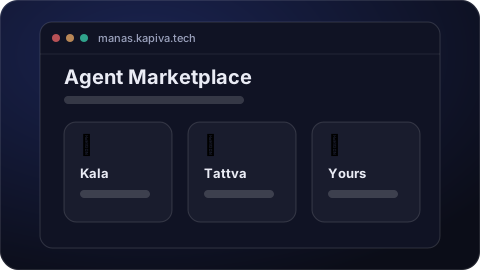
A new home page: the Agent Marketplace
This page now shows Manas as Kapiva's Agent Marketplace — the agents you can use today and what is coming. Bookmark manas.kapiva.tech; if you are already signed in it takes you straight to your chats.
How to use it → -
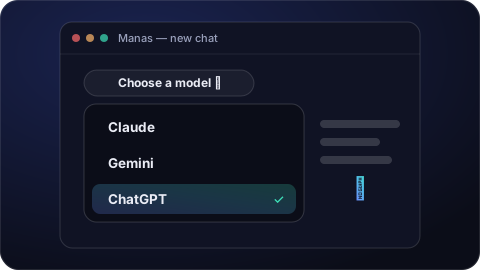
ChatGPT is in Manas — plus the latest Claude and Gemini New
You can now chat with ChatGPT without a personal subscription. Pick ChatGPT from the model menu at the top of a chat. Claude and Gemini also moved to their newest models.
How to use it → -
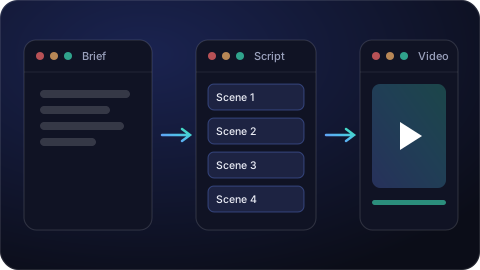
Kala makes videos (formerly Scriptly)
Kala turns a short brief into a script and then a finished video. Pick Kala in the Agent Marketplace and describe the video you want.
How to use it → -
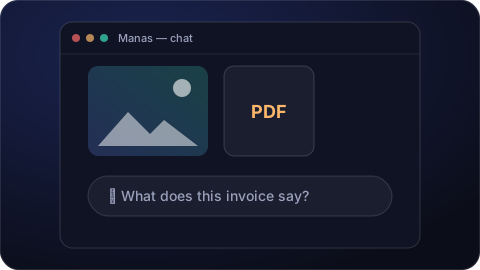
Claude reads your images and PDFs
Pictures and PDFs you attach now reach Claude, so you can ask it about a screenshot, an invoice or a report. Click the paperclip, attach, and ask.
How to use it → -
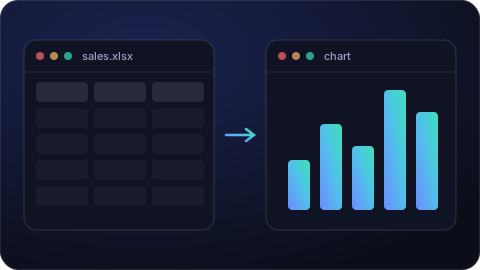
Run Code: charts and number-crunching
Manas can now run small programs for you — clean up a spreadsheet, total a column, or draw a chart. Attach your file and ask for the result.
How to use it → -
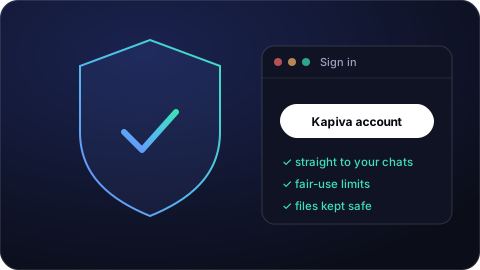
Manas gets ready for everyone
One sign-in with your Kapiva Google account, and you land straight in your chats. Fair daily usage limits keep it fast for everyone, your files are stored safely, and when it is busy you get a clear “try again in a moment” instead of an error.
How to use it → -
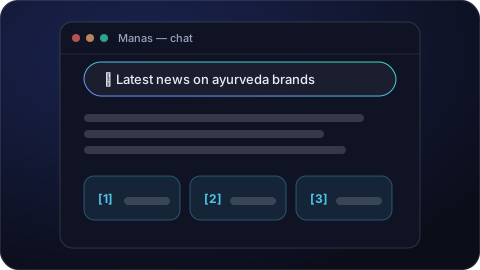
Answers from the web, with sources
Manas can look things up on the web and show you where each fact came from. Turn on web search under the message box, then ask about anything recent.
How to use it → -
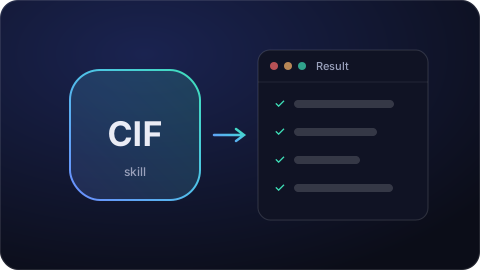
CIF: creative insights from what customers search and say
The Creative Insight Framework gathers what people search for on Amazon, say on Reddit and trend on Google, plus what competitors run in Meta ads (even the words spoken in their videos), and turns it into ideas for your ad creative. Turn on CIF in the tools menu under the message box and ask; Kala uses it too.
How to use it → -
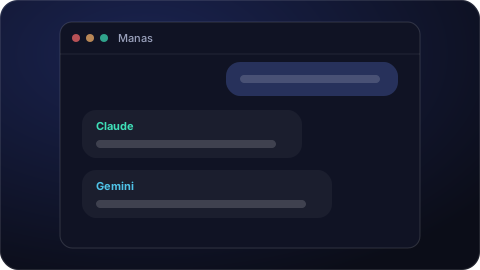
Manas opens: Claude and Gemini in one place
Kapivans can chat with Claude and Gemini in one app, signed in with their company account, and Manas remembers useful details you share across chats.
How to use it →
Your agents are waiting.
Sign in with your Kapiva account and put the Kapiva Agent Marketplace to work.
Sign in to Manas manas.kapiva.tech