
Connect your account
Link your Slack account to Manas once, so Manas can answer your DMs as you.
Before Manas can answer your DMs, you link your Slack account to your Manas account. You do this once.
Connect Manas
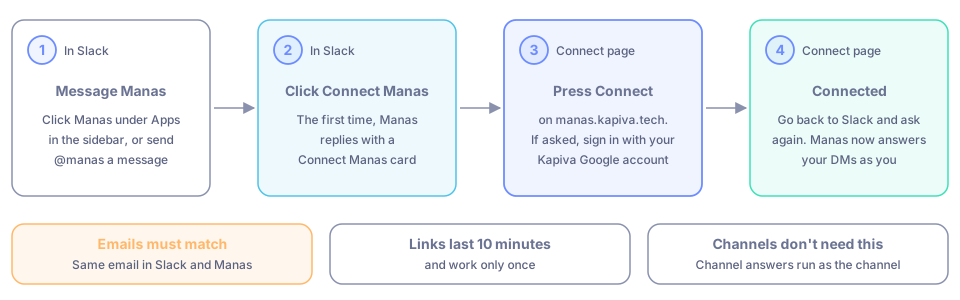
Open Manas in Slack. Click Manas under Apps in the sidebar, or search for @manas and send it a message.
The first time, Manas replies with a Connect Manas card. Click it.
A Connect page opens on manas.kapiva.tech. If asked, sign in with your Kapiva Google account. If you have never used Manas before, this creates your Manas account.
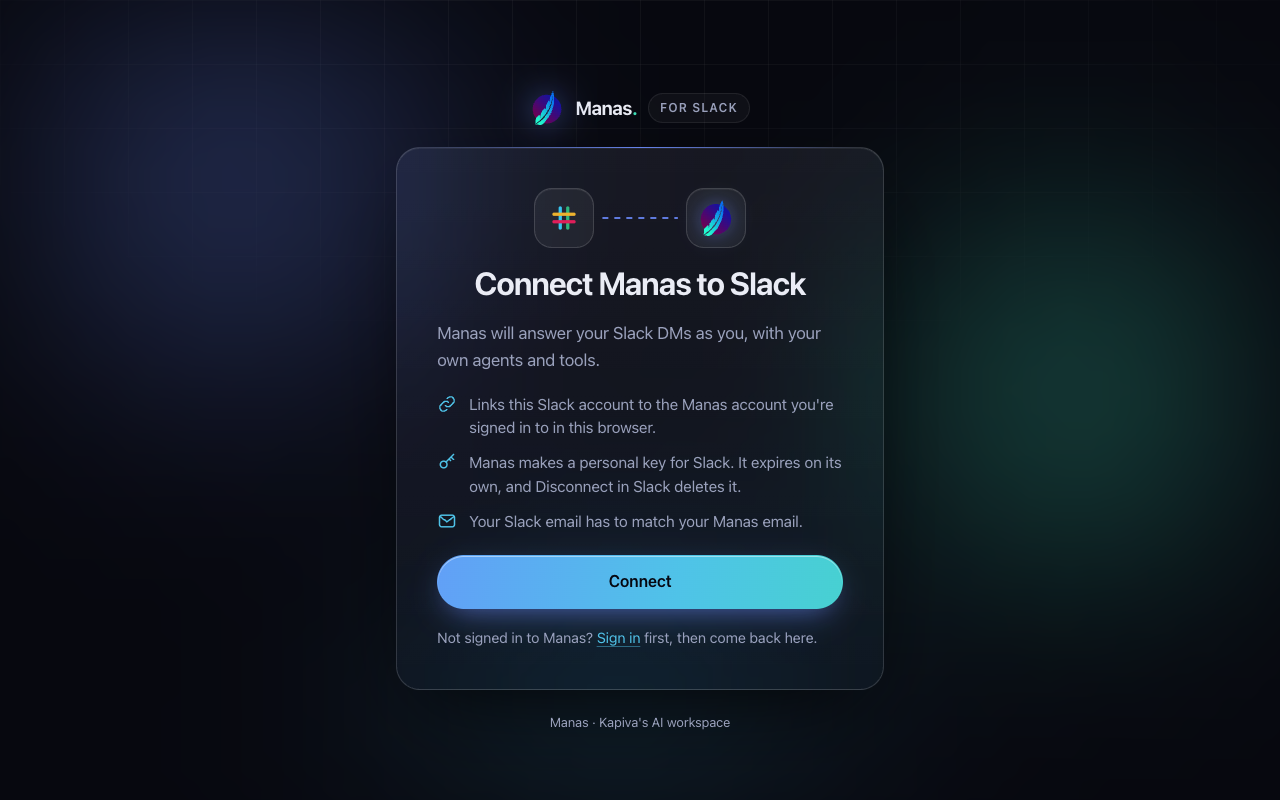
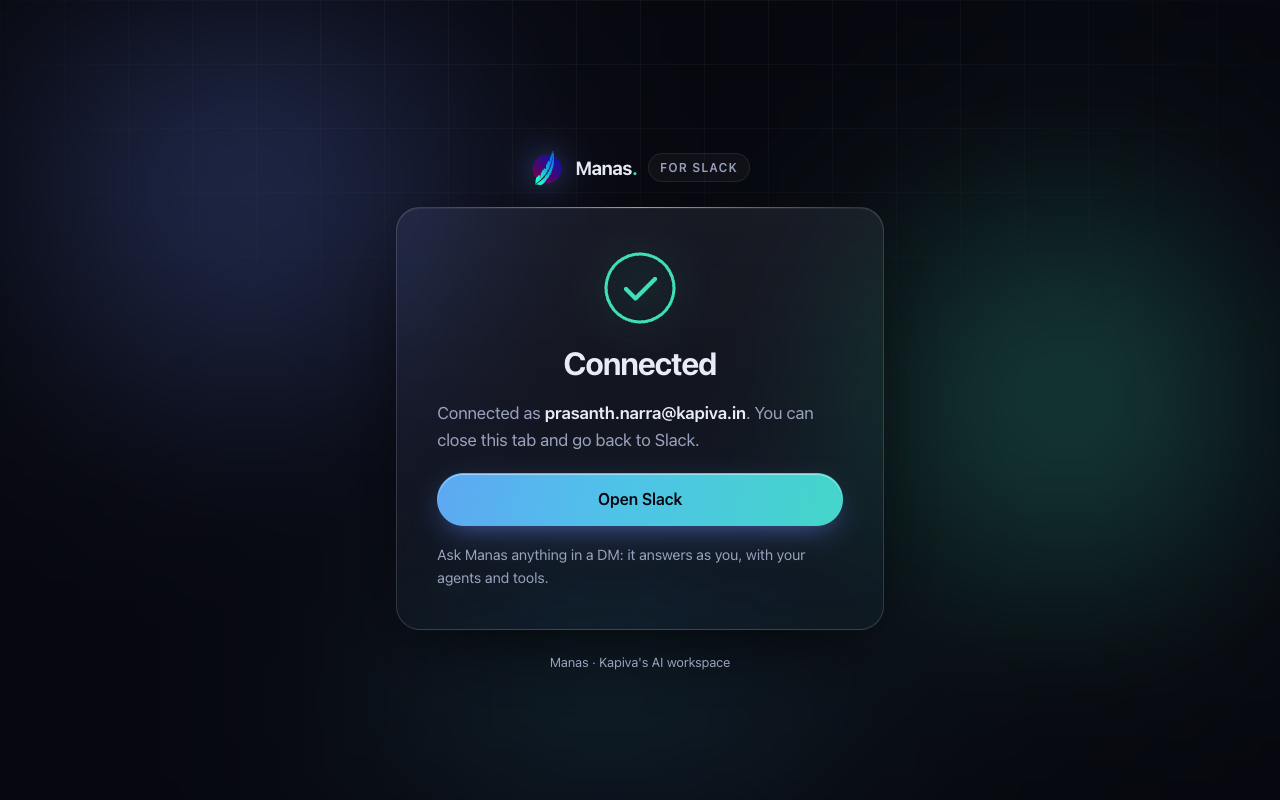
Press Connect. The page says Connected and shows your email.
Go back to Slack and ask your question again. From now on, Manas answers your DMs as you.
You can also type /manas connect anywhere in Slack to get the card again. Once you're connected, it shows your connections instead.
Your emails must match
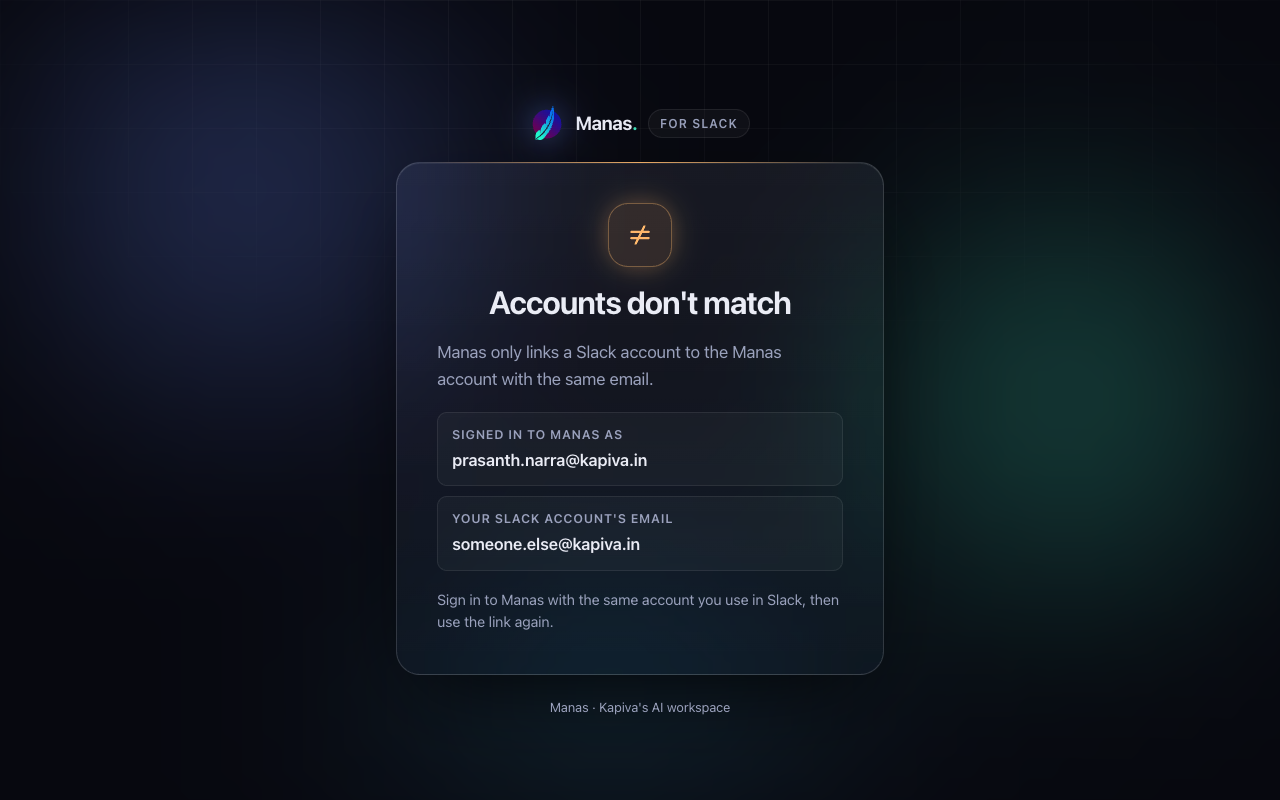
Manas only links your Slack account to the Manas account with the same email address.
Connect Google and Slack
After Manas, you can connect two more things. Each is optional. Manas uses them as you in your DM with Manas; in a channel it reads your linked Drive files only after asking you, and never uses your Slack.
- Google: Manas reads, as you, the Drive files and folders you link, your Gmail and your Calendar (and Google Tasks once you allow it). It is the same Google connection the Manas web chat uses.
- Slack as you: Manas searches and reads your Slack as you, read-only: channels, private channels and DMs you're in. The Morning brief uses it to find what needs your reply.
Type /manas connect (or /manas settings in your DM with Manas, or open the Manas Home tab). Each connection shows its status:
| Connection | Connected | Not connected |
|---|---|---|
| Manas | ✓ and your email, with Disconnect | Connect Manas |
| ✓ and which parts you gave: Drive, Gmail, Calendar, Tasks (✓ or ✗), with Reconnect Google and Disconnect Google | Connect Google | |
| Slack as you | ✓, with Reconnect Slack and Disconnect Slack | Connect Slack |
Press Connect (or Reconnect), allow access on the page that opens, then go back to Slack. Use Reconnect Google when Gmail or Calendar shows ✗. Disconnect asks you to confirm, then removes Manas's access there.
What the Connect page can say
| Page title | What it means | What to do |
|---|---|---|
| Connected | You're linked. | Close the tab and go back to Slack. |
| Already connected | You were linked before. | Nothing. Close the tab. |
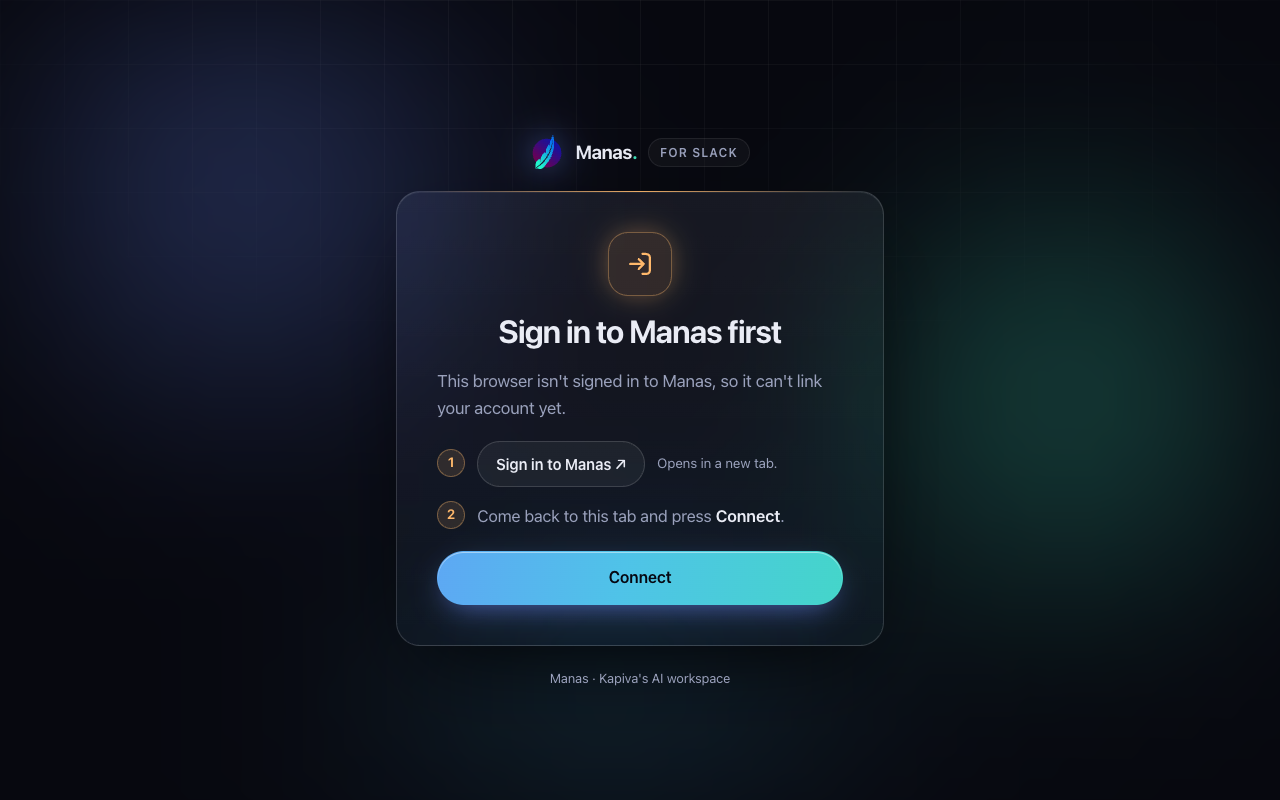
| Sign in to Manas first | This browser isn't signed in to Manas. | Sign in, then press Connect. |
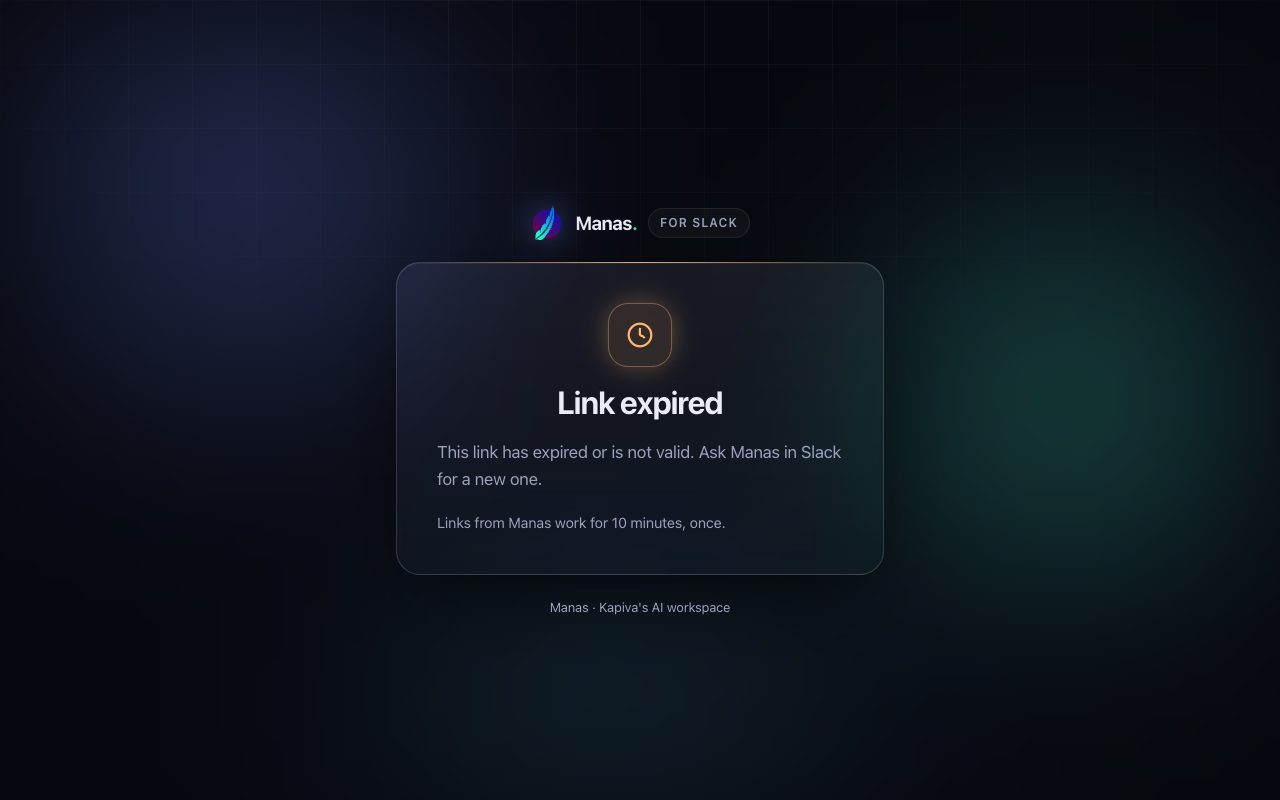
| Link expired | The link is too old or not valid. | Send Manas a new DM to get a fresh card. |
| Link already used | Each link works only once. | Send Manas a new DM if you need a new one. |
| Accounts don't match | You're signed in to Manas with a different email from your Slack account. | Sign in with your Kapiva Google account, then use the link again. |
Good to know
- Links from Manas work for 10 minutes, and only once.
- You don't need to connect to use Manas in channels. Channel answers run as the channel. You do need it for DMs.
- To check your connections, type
/manas connector open the Manas Home tab. See Settings and privacy.
If something goes wrong
The page says "Link expired" or "Link already used". Send Manas a new DM. It sends you a fresh Connect Manas card.
The page says "Accounts don't match". Sign out of Manas, sign in with the same Kapiva Google account you use in Slack, then use the link again.