
Choose a model
Claude, ChatGPT and Gemini are all in Manas. Here is what is in the menu and which one to pick when.
Manas gives you Claude, ChatGPT and Gemini in one place, with no personal subscription. Pick one from Select a model at the top of a chat, and switch whenever you like.
What is in the menu
Select a model has one row per provider. Open a row to see its models. The menu shows each model's technical name:
| Row | Models | Notes |
|---|---|---|
| Claude | claude-sonnet-5-5 | Claude Sonnet 5.5, the newest. |
| claude-haiku-4-5-20251001 | Claude Haiku 4.5, lighter. Uses about half as much of your allowance. | |
| ChatGPT | gpt-6.1-sol | |
| gpt-5.6-sol | ||
| gpt-5.6-terra | The lighter one. | |
| Google (Gemini) | gemini-3.1-pro-preview | Gemini Pro, still a preview release. |
| gemini-3.8-flash | ||
| gemini-3.5-flash-lite | The lightest. | |
| Agents | Ready-made assistants | See What are agents? |
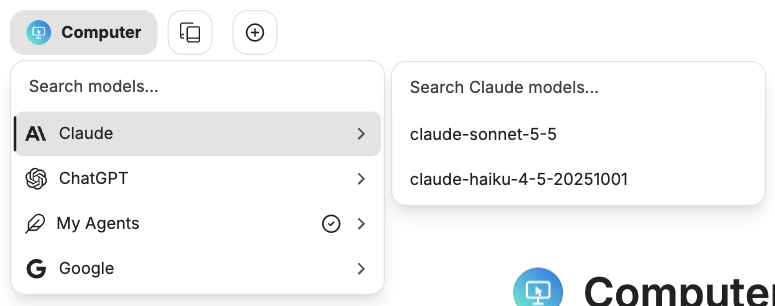
Open a row to see its models.
Which one to use
- Claude for nuance, code, careful rewriting, and reading PDFs.
- Gemini for very long documents and big spreadsheet dumps.
- ChatGPT for OpenAI's latest models, a second opinion, and for making images.
- A lighter model (Haiku, gpt-5.6-terra, Flash-Lite) for quick, simple questions. It goes further on your daily allowance.
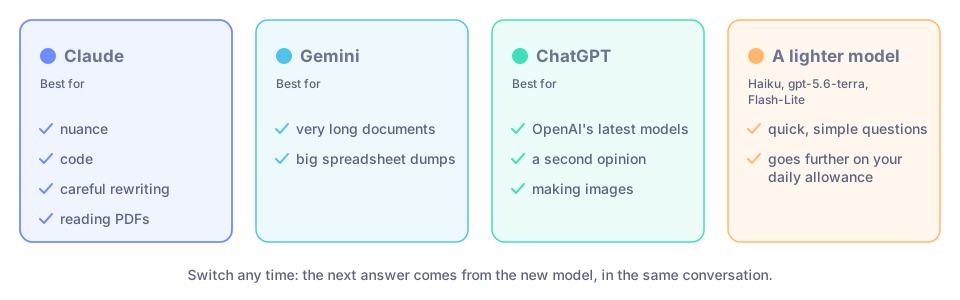
Which model to pick for which job.
How to use it
Start a New chat.
Click Select a model at the top of the chat (or press ⌘ ⇧ M).
Open Claude, ChatGPT or Google and click a model.
Type your message and send it.
You don't have to choose once. You can switch model in the middle of a chat: the next answer comes from the new model, with the same conversation. To get a second opinion, pick another model and ask again. To see two answers side by side, use Add multi-conversation (see Your conversations).
Seeing how it thought
Claude and ChatGPT think before they answer. Their thinking appears in a panel above the answer that you can open or close. You don't need to read it; it is there if you want to check how the model got to its answer.
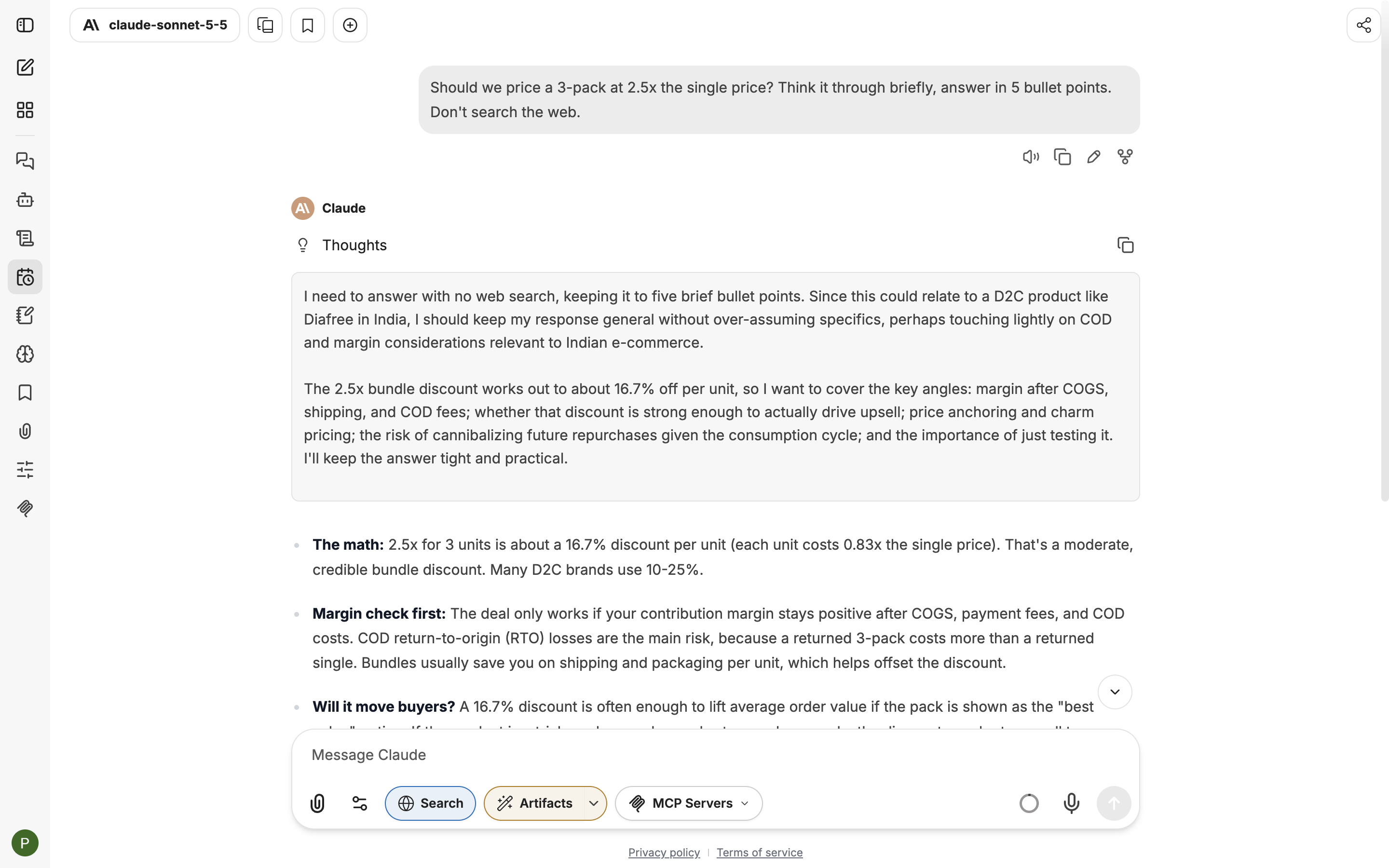
The thinking panel, opened above a Claude answer.
Good to know
- Claude and ChatGPT are shared by everyone at Kapiva. Up to 20 answers can be written at once on each across the company. If all are in use, your message waits up to 15 seconds for a free one, then you get a "busy" message. Gemini has no such cap.
- ChatGPT has a weekly limit shared by everyone. When it is used up, ChatGPT answers with a "usage limit" message until the week resets. Use Claude or Gemini meanwhile.
- ChatGPT can read images but not PDFs or other files sent as they are. See Attach files.
- One allowance covers every model. Long, careful answers use much more of it than quick ones.
- Agents can use a model of their own. The model an agent uses is set by its owner.
If something goes wrong
- "Claude is busy right now (all 20 slots are in use). Please try again in about 20 seconds, or switch to another model from the model picker." Wait about 20 seconds and send again, or pick another model. ChatGPT shows the same message.
- A "usage limit" message from ChatGPT. The shared ChatGPT account has used its weekly allowance. Use Claude or Gemini until it resets.
- ChatGPT says a document was omitted, or it can't see your PDF. Attach the file again and choose Upload as Text, or ask Claude instead.
- "Insufficient funds…" You have used your allowance for now. See Your daily allowance.