
Kala, the video agent
Turn a short brief or your own script into frames and a finished video with Kala, step by step.
Kala is Kapiva's video agent and the new version of Scriptly. Give it a short brief, or your own script, and it takes you from script to frames to a finished video. You check each step before the next one.
Scriptly is now Kala
Use Kala for everything you used Scriptly for. In Manas it shows as Kala (formerly Scriptly).
How Kala works
- Script. A scene-by-scene script from your brief, or your own script.
- Frames. A first picture for every scene, so you can see the video before it is made.
- Frame edits. Change any single frame with one plain instruction.
- Video. Kala animates each scene, adds voice to on-camera lines if you want it, and joins the scenes into one film.
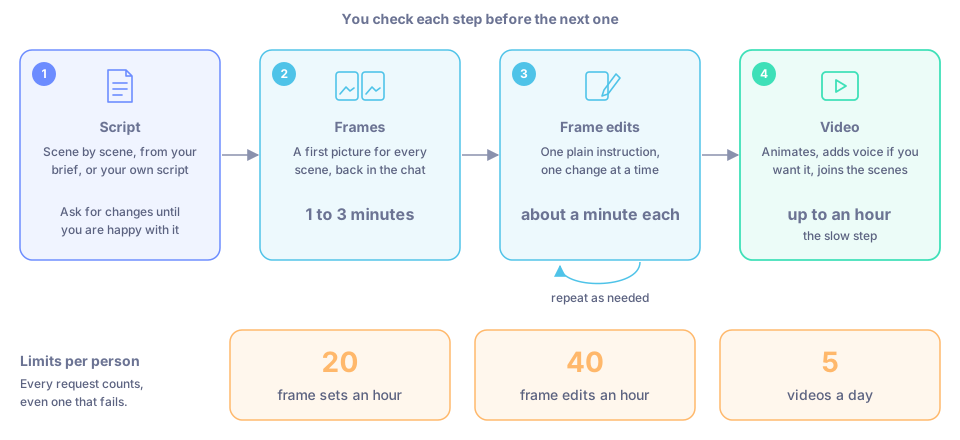
Script, frames, frame edits, video, with how long each step takes and the limits per person.
When to use it
- You need a Meta ad video and have only an idea or a short brief.
- You already have a script and want it turned into a video.
- You want a quick storyboard of frames to review with your team before anyone makes a video.
Make a video
Open Agent Marketplace in the left menu and pick Kala. This starts a chat with Kala.
Describe the video you want: the product, who it is for, the message, how long it should be and where it will run. Say which shape you need (vertical, wide or square). Or paste your own script.
Read the script Kala writes. Ask for changes until you are happy with it.
Ask Kala to make the frames. This usually takes 1 to 3 minutes. The frames come back in the chat as images or image links.
If a frame isn't right, ask for one change at a time, for example "make the bottle larger and turn the label to camera". Each edit takes about a minute. You can add a link to a product photo for Kala to copy.
When every frame looks right, ask Kala to make the video. This is the slow step: it can take up to an hour. Kala replies in the chat with a link to the finished film.
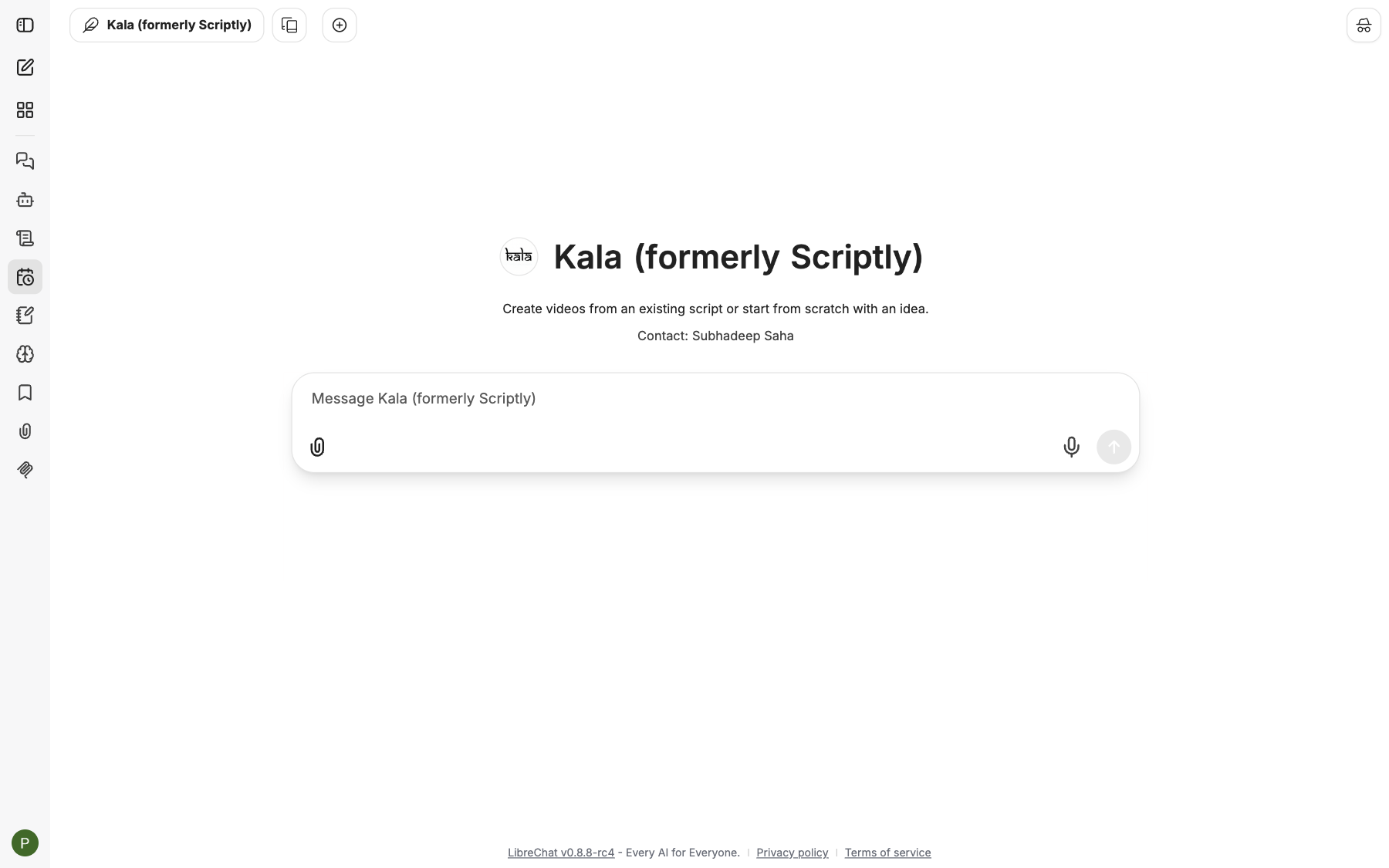
Kala's start screen. Describe your video or paste a script.
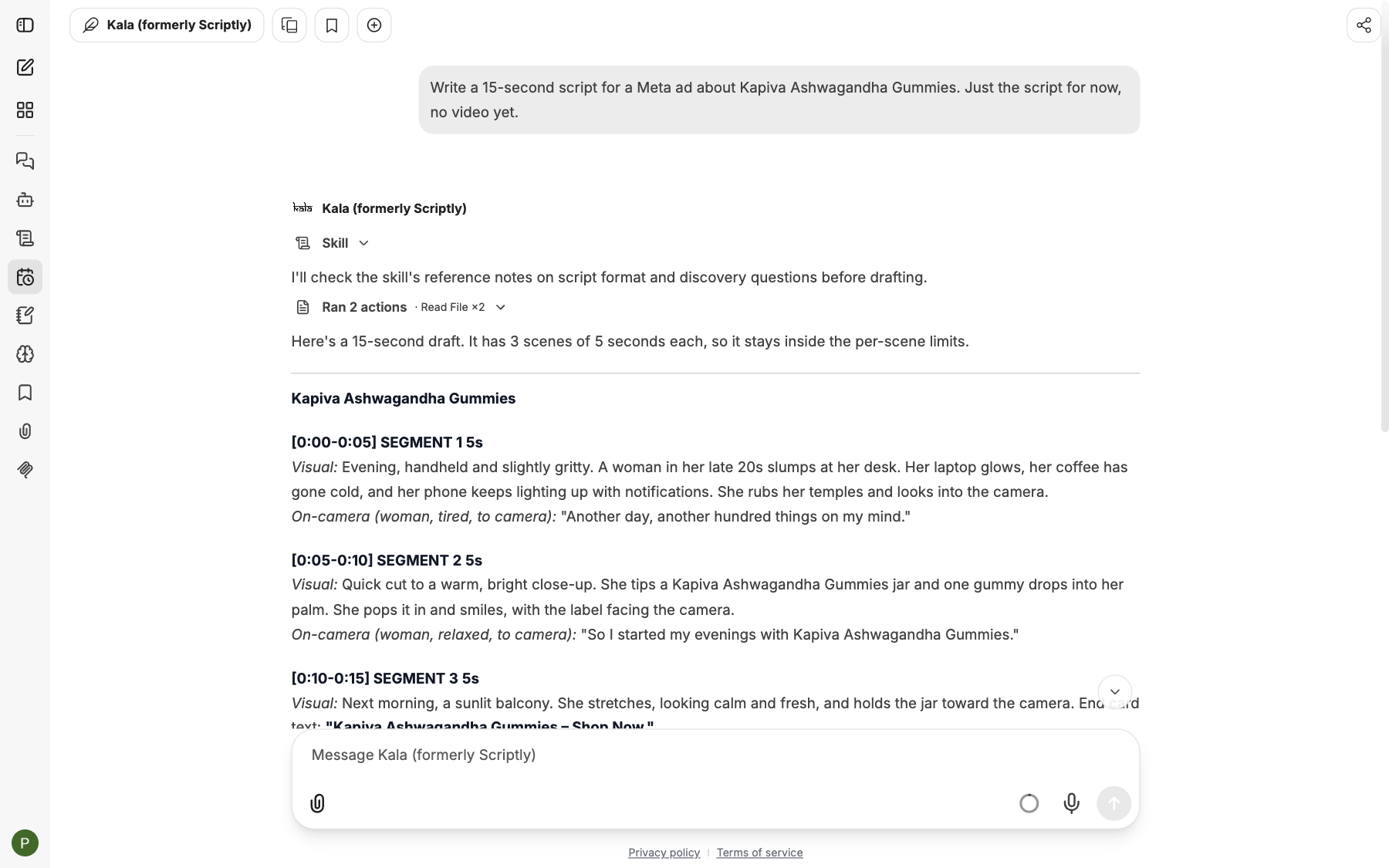
The script step: Kala writes the scenes first, timed to fit the video length.
Kala in Slack
You can ask Kala from Slack too. Start your message with +kala, for example +kala make a 20 s video about Ashwagandha Gummies in a DM with Manas. Or just ask Manas for a video and it hands the request to Kala. See Choose an agent.
Kala doesn't hand requests back to Manas. Once a Slack thread is with Kala, every message there goes to Kala. To ask Manas something else, start a message with +manas or press Switch agent and choose Manas. See How agents hand off.
An answer in Slack stops if it runs for more than 30 minutes, and the video step can take up to an hour. Make the final video in Manas on the web.
Tips
- Say the shape (vertical, wide or square) at the start, before the frames are made.
- Get the script and frames right first. The video step is the slowest one and has the tightest limit.
- Keep each frame edit to one clear change. Several small edits work better than one long list.
- Tell Kala whether you want the on-camera lines voiced.
- Have a good idea from CIF? Hand it to Kala to turn into a script and a video.
Good to know
- Limits per person: 20 frame sets an hour, 40 frame edits an hour and 5 videos a day.
- Every request counts, even one that then fails, and Kapiva pays for each one. Don't ask for the same video twice "just in case".
- Kala uses paid video and image services. Treat the video step as a final render, not a draft.
- See Usage limits for all limits in one place.
If something goes wrong
- Kala says
RATE_LIMITED, for example "has used all 5 create-video runs allowed per day (The next one is allowed in 3h 12m…)". You have reached a limit. Wait for the time it gives, or ask the Manas admin if you really need more. - The frames don't match what you meant. Go back to the script, make the scene descriptions more specific, then ask for new frames. For one bad frame, edit just that frame.
- The video link doesn't open. Tell the Manas team and include the chat link. Don't start the video again before you hear back.
- Kala says it could not finish. Try once more. If it fails again, tell the Manas team instead of retrying, because each try counts towards your limit.
- You can't find Kala. Look in Agent Marketplace. If it isn't there, ask the Manas team.